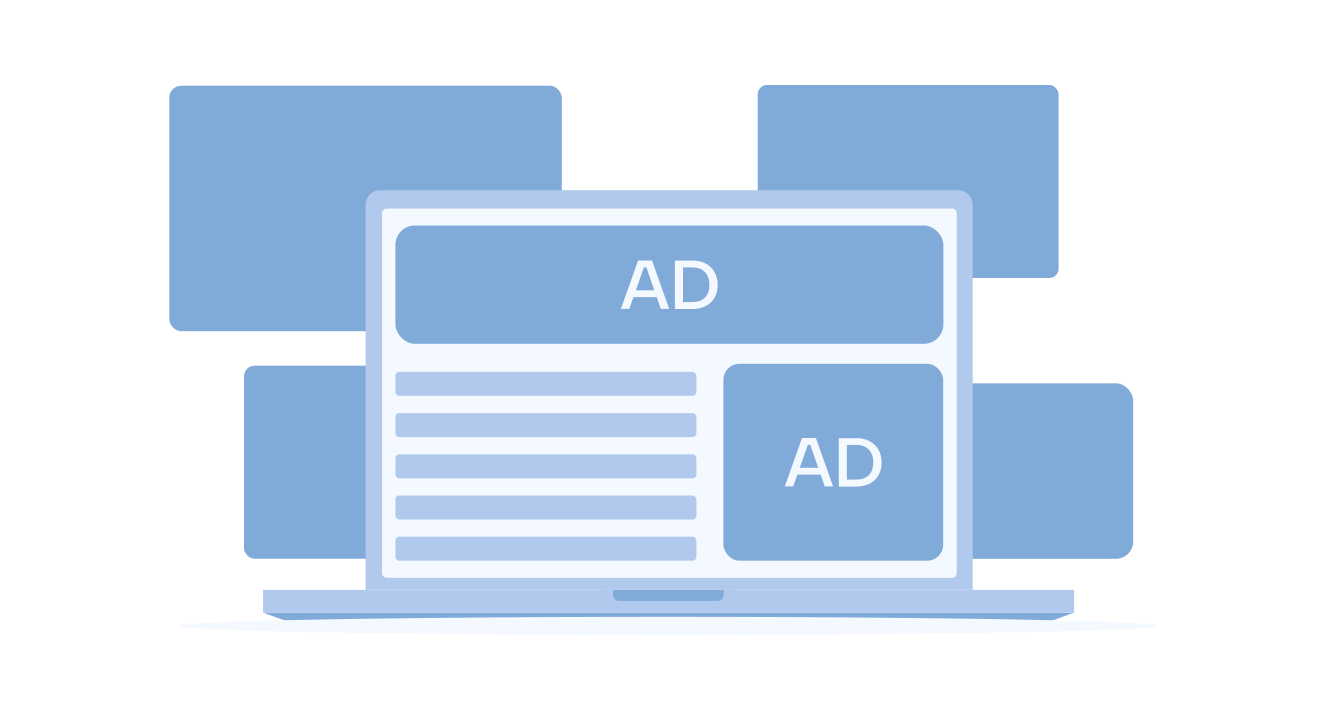


Did you know that desktop ad viewability averaged only 58%, meaning nearly 4 in 10 ads never entered users’ view? For publishers, this represents lost revenue, often due to using the wrong banner size in the wrong place.
Banner sizes are simply the dimensions of online display ads. They matter because they affect two key factors that drive earnings: the number of advertisers that can bid on your slots and the visibility of the ads to users.
If you rely on non-standard or poorly placed formats, demand drops, fill rates fall, and your inventory loses value. Yet, when you select the correct sizes and position them where users pay attention, ads become more compatible, more visible, and far more profitable.
Want to see which banner sizes bring in the most revenue? Let’s explore them.
Table of contents
Most Common Web Banner Sizes (IAB Standard)
When it comes to online banner sizes, some formats consistently outperform the rest. Over the years, the industry has settled on a handful of standard dimensions that advertisers and publishers use everywhere. Here are the most popular banner sizes in 2025:
| Format | Dimensions (px) | Placement | Performance Tip |
|---|---|---|---|
| Leaderboard | 728×90 | Top of page (desktop) | Great for high CTR, but prone to banner blindness |
| Medium Rectangle | 300×250 | In-content / sidebar | One of the most monetizable sizes |
| Wide Skyscraper | 160×600 | Sidebars | Strong for brand visibility |
| Large Rectangle | 336×280 | Article body | Higher RPM in long-form content |
| Half Page | 300×600 | Side rail | High viewability, works for branding |
Key Insights for Publishers
1. Leaderboard (728×90)

Placed at the top of a page, the leaderboard is one of the first ads users see. It can drive strong clicks, but if used too often, people start ignoring it. To keep it effective, many publishers rotate creatives or use sticky versions.
2. Medium Rectangle (300×250)

The most versatile and profitable format is 300×250 px. It works almost anywhere: inside articles, at the end of content, or in sidebars. Advertisers like it because it fits both branding and performance campaigns.
3. Wide Skyscraper (160×600)

The 160×600 skyscraper is the vertical ad built for sidebars. It stays visible while users scroll, making it great for brand exposure. It’s less effective for direct-response campaigns compared to rectangular formats.
4. Large Rectangle (336×280)

Slightly bigger than the medium rectangle, the large one stands out in text-heavy or long articles. It’s a strong option for publishers seeking to increase ad RPM in content-rich environments.
5. Half Page (300×600)

Also known as a “large skyscraper,” this ad is prominent and highly visible. Premium advertisers often choose it for storytelling and brand awareness. Its size makes it one of the best formats for engagement.
Why These Banner Sizes Matter
The IAB standard banner sizes remain the most effective because they are widely supported and highly demanded across the digital advertising ecosystem. Here’s why publishers benefit from using them:
- Broader Demand Pool: Advertisers design their campaigns around standard sizes. By supporting them, you instantly open your inventory to more bids, which means stronger competition and higher CPMs.
- Better Fill Rates: Non-standard or unusual sizes often go unfilled, leading to wasted impressions. With standard formats, you maximize the chances of serving an ad every time.
- Proven User Experience: These units are tested across millions of sites. They fit naturally into layouts without disrupting content flow, which keeps bounce rates lower and engagement higher.
Case in Point: Hashrate
A clear example of this is Hashrate, a publisher that partnered with Sevio to enhance its ad stack. By refining existing ad spots and adding custom-sponsored placements, Hashrate achieved an impressive 210% increase in ad revenue.
This mix of proven banner sizes and optimized placements improved fill rates and engagement, demonstrating how the right formats can contribute to measurable growth.
Best Banner Sizes for Mobile Ads
On mobile devices, screen space is limited, and user behavior differs from that on desktops. Mobile ads must strike a balance between visibility and a seamless browsing experience. Here are the formats that work best, but for a detailed breakdown, read our guide on the top-performing mobile ad formats.
| Format | Dimensions (px) | Placement | Use Case |
|---|---|---|---|
| Mobile Leaderboard | 320×50 | Top/bottom of screen | Common but low RPM |
| Square Ad | 250×250 | In-feed | Flexible but underused |
| Large Mobile Banner | 320×100 | Top/bottom of mobile | Higher performance than 320×50 |
| Rectangle (MREC) | 300×250 | In line | Performs well on all screens |
Key Insights for Publishers
1. Mobile Leaderboard (320×50)

This is one of the most widely supported formats across apps and websites. While it reliably delivers impressions, it doesn’t always generate strong engagement due to its small size. Many publishers use it as a baseline unit but pair it with more impactful formats.
2. Square Ad (250×250)

A versatile option that blends well into content feeds. It’s especially effective in mobile apps or social-style layouts. Because it’s less common, it may not attract the same demand as other units, but it can add diversity to your ad stack.
3. Large Mobile Banner (320×100)

Think of it as the improved version of the 320×50. With twice the height, it provides advertisers with more room for creativity and typically achieves higher click-through rates and CPMs. For mobile-first publishers, this size is often a top performer.
4. Rectangle (300×250)

The same unit that performs well on a desktop is equally valuable on mobile. Its adaptability makes it a safe bet for consistent performance across devices, which is why it’s often the go-to size for mixed desktop and mobile campaigns.
Display Ad Sizes by Device and Context
Ad performance depends not only on the format but also on where and how it appears. The exact size can behave very differently on a desktop compared to a mobile.
Web vs. Mobile Layouts
- Desktop layouts give space for larger banners. Formats like the 728×90 leaderboard (at the top of the page) and the 300×600 half-page (in the sidebar) usually deliver high visibility. They’re popular with advertisers running brand campaigns because these units stand out and stay on screen longer. Example: A leaderboard on a news site’s homepage can attract premium advertisers who want maximum exposure.
- On mobile screens, big ads can feel intrusive. That’s why compact, well-placed units are more effective. The 320×100 large mobile banner or the 300×250 rectangle are safe bets. They strike a balance between user experience and ad visibility. Example: A 300×250 ad placed inside an article performs well because it seamlessly integrates into the reading flow.
Responsive Display Ads
Responsive ads adjust their size and format automatically. Instead of creating dozens of versions, advertisers upload a few assets, and the ad adapts to the space.
For publishers, this means increased demand, higher fill rates, and fewer layout issues. For advertisers, responsive ads ensure that creatives display well on any device, from widescreen monitors to smartphones.
If your site receives mixed desktop and mobile traffic, responsive ads help you monetize every visit without having to guess which size will load.
Native Ad Size Flexibility
Native ads aren’t tied to strict pixel dimensions. Instead, they automatically adapt to the look and feel of your site or app. Because they blend seamlessly into feeds, sidebars, or recommendation widgets, they feel like a natural part of the content rather than a disruptive banner. This makes users more likely to notice and interact with them.
For publishers, native ads are particularly compelling on content-heavy websites and apps, where trust, design consistency, and user experience are of paramount importance. They also integrate naturally into modern programmatic advertising platforms, which further expands their reach and performance potential.
The result? Higher engagement, more substantial CTRs, and often better overall RPM compared to standard banners.
Banner Size Tips for Publishers

Choosing the right online banner sizes is just the first step. The way you place and optimize them determines whether your ads drive revenue or push users away. To maximize performance, publishers should focus on these proven practices:
1. Think Beyond “Fitting an Ad”
Banners shouldn’t just fill empty space; they should add value. For example, a 300×250 in-content ad feels natural inside an article, while a 728×90 leaderboard works best at the top or bottom of a page. Always align placements with the reading flow so ads feel integrated, not disruptive.
2. Prioritize Viewability, Not Volume
More ads don’t equal more revenue. In fact, overcrowding pages with poorly placed units reduces viewability, lowers CPMs, and drives users to install ad blockers. Instead, focus on fewer, high-quality placements that remain visible for longer periods.
3. Leverage Standard Sizes for Scale
Industry-standard formats, such as 300×250, 336×280, and 728×90, attract the widest demand from advertisers. These sizes ensure your inventory fills more easily and wins more competitive bids. Relying on non-standard sizes risks wasted impressions and lower earnings.
4. Respect the User Experience
Ads should enhance your site, not break it. Avoid placements that cause layout shifts (CLS), overlap text, or block navigation. A simple rule: if an ad interrupts the reading experience, it’s costing you long-term engagement and trust.
5. Test, Measure, and Refine
No two audiences behave the same. Run A/B tests with banner sizes in different positions (above the fold vs. in-article) and across devices. Track key metrics, such as RPM, CTR, and session length, to determine what works best, and then optimize accordingly.
Proof Point
According to the Digital 2025: Global Overview Report, 31.3% of global internet users now block ads. Surprisingly, the biggest reason isn’t privacy; it’s that ads are often too intrusive and overwhelming.
As Tiberiu, CBDO & Co-Founder at Sevio, points out:
“Advertising isn’t the problem; poor ad experiences are. As an industry, our focus should shift from how many ads we can show to how meaningful each ad is. We don’t need more ads. We need better ones!”
FAQ
Banner ad size refers to the actual dimensions of the ad unit, such as 300×250 pixels. Placement refers to the location where the banner appears on the page, for example, in-content, sidebar, or above the fold. Both matter because the right size in the wrong place won’t perform well.
Not always. Bigger formats, such as 300×600, are evident and significant for branding, but they don’t consistently deliver the best click-through rates. Smaller banners, such as 300×250, often perform better because they blend into the content. Performance depends on both format and context, not size alone.
The size itself isn’t usually the problem; it’s how heavy the creative is and how many ads are on a page. Large image files or autoplay video ads can slow down loading and hurt SEO. Using compressed files and standard formats helps pages load faster. Responsive ads also improve performance by adjusting automatically without overloading the site.
Programmatic platforms typically favor IAB standard formats, such as 300×250, 728×90, 160×600, and 300×600. All major ad networks support these units and attract the most demand from advertisers. Non-standard sizes often struggle to get filled, lowering CPMs.
It’s best to review ad performance at least once a week. User behavior and advertiser demand can change quickly, so testing helps you stay ahead. A/B testing different formats and placements reveals what works best for your audience. Regular optimization ensures your ad inventory is always performing at its full potential.
Final Thoughts
Online banner sizes are critical to the success of any advertising strategy. The right choice depends on your audience, campaign goals, and platform. When aligned correctly, banners drive higher visibility, stronger engagement, and greater revenue.
There’s no universal formula. Standard sizes provide a strong foundation, while responsive and native formats add flexibility across devices and contexts. The key is to test, measure, and refine until you find the optimal mix.
For publishers seeking to simplify this process, Sevio Ad Manager provides a smarter approach to optimizing placements and unlocking the full potential of their inventory.
Was this helpful?